How to Design Hardware With Claude Fable 5.2, Step by Step
Use Claude Fable 5.2 to spec parts, write firmware, make STL enclosures and get an assembly guide. A walkthrough of a Raspberry Pi Pico desk gadget.

For Engineering and Design
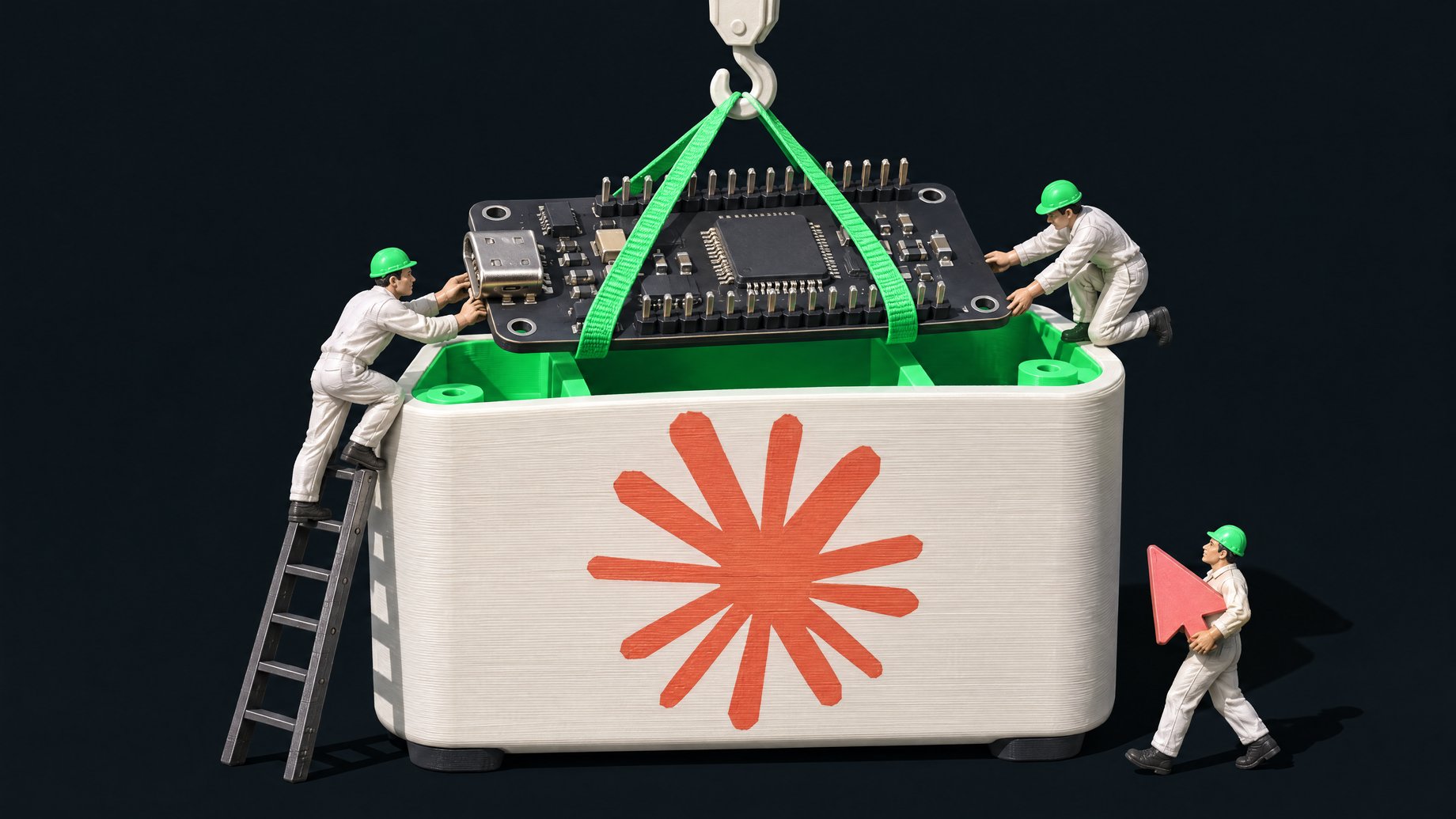
How can you use Claude Fable 5.2 to design a hardware device?
Describe the device in one clear paragraph and ask for everything at once: a spec, a parts list of off-the-shelf boards, firmware code, a 3D-printable case in STL format, wiring instructions and an assembly walkthrough. In one demonstrated test, Fable 5.2 returned all of that for a handheld desk gadget built around a Raspberry Pi Pico. You still have to check the wiring and parts before you buy or print anything, because the output is a strong first draft, not a guarantee.
TL;DR
- One paragraph can produce a whole build package. Anthropic showed Fable 5.2 designing three devices (a home voice assistant hub, a USB speakerphone and a handheld virtual pet) with circuit boards, 3D printed enclosures and software.
- Anthropic's examples are hand-picked. Treat them as proof of what is possible, not a promise that your first prompt works.
- Asking for off-the-shelf parts keeps it practical. A Pico, a display, buttons and jumper wires beat a custom board for a first project.
- The model won't draw a real person's likeness. It swapped in an original robot character instead of building the requested real person.
- Verify before you spend. Check pin assignments, part compatibility and case dimensions yourself or with a second pass.
- It costs real money per run. API pricing is $8 per million input tokens and $40 per million output tokens, and a paid Claude plan is required.
What did Anthropic actually show Fable 5.2 building?
Anthropic's launch material for Fable 5.2 included hardware engineering as a headline capability, alongside things like protein folding and a prototype operating system. For hardware, they gave the model a one-paragraph prompt and asked it to design and produce three working electronic devices. Each came with its own circuit board, 3D printed enclosure and software.
The three devices were a home voice assistant hub, a USB speakerphone and a handheld virtual pet. Reviewers noted that these are Anthropic's cherry-picked examples. One reviewer who uses AI for circuit board design said he lacked the expertise to judge the boards in depth, but that the results seemed to pass initial checks. That is a fair summary of where things stand: promising, not independently proven.
A separate test shows the limits. In a robot arm control test, Fable 5.2 (fast mode, medium effort) took 22 minutes and managed to grab a toy car, but then dropped it off the table. The reviewer saw an improvement over earlier Claude models, which often moved the arm in ways it shouldn't, but the result was not clean.
How do you prompt Fable 5.2 for a physical device?
Be specific about what you want delivered, not only what the device does. In the demonstrated test, the prompt asked for a handheld desk gadget that shows a pixel art character reacting to button presses. It also listed each output it wanted:
- A written spec.
- Real parts, using off-the-shelf boards available the next day.
- The parts list shown on screen.
- Firmware code.
- A case as an STL file for 3D printing.
- A walkthrough for wiring and building it.
Here is a template you can adapt:
Design a handheld [device] that [what it does and how I interact with it].
1. Write a short spec: features, inputs, outputs, power source.
2. Pick real, off-the-shelf parts I can order today. Use a
   [Raspberry Pi Pico / other board] as the controller. List each part
   with a one-line reason.
3. Write the firmware, commented so a beginner can follow it.
4. Design the case as STL files I can 3D print. State the dimensions
   and which parts need supports.
5. Give me a wiring table (pin to pin) and a numbered assembly guide.
6. List anything you are unsure about so I can verify it before buying.
That last line matters. Asking the model to flag its own uncertainty gives you a checklist for the review step.
What did the Pico desk gadget build produce?
The test run used Claude Code with the reasoning level set to medium. The output included:
- A spec and a parts list. The list named a Raspberry Pi Pico as the microcontroller, plus a display, buttons, jumper wires, screws, a micro USB data cable, heat shrink and double-sided foam tape. Four parts were marked for printing as STL files.
- A wiring section and assembly instructions.
- A downloadable zip with character images and four STL files, the format 3D printers and slicing software read. Opening them in a 3D-printing app showed the individual case pieces and an assembled view.
The reviewer inspected the files but, in the portion of the source available, had not yet printed or powered the device. So there is no evidence here that this exact build worked end to end. What the test does show is that the model can package a complete, internally consistent project, not just a code snippet.
Why did Fable 5.2 refuse to draw the character I asked for?
The request was for a pixel art version of a real person. The model replied that it doesn't draw real people's likeness and built an original robot character instead. It still did the work. It declined only the likeness.
The same pattern showed up with game cloning. Asked to clone a popular 3D game, Fable 5.2 said it wouldn't recreate that game itself, then built an original game in the same genre. If you want a branded or personality-themed gadget, expect to supply your own artwork or describe an original character.
What does it cost to use Fable 5.2 for hardware?
| Item | Detail |
|---|---|
| API input | $8 per million tokens |
| API output | $40 per million tokens |
| Previous version (Fable 5.1) | $10 input, $50 output |
| Fast mode | About twice the price, about 2.5 times the speed |
| Claude plans | Paid plan required; free users do not get Fable |
| Context window | 1 million tokens, 128k max output |
Cost depends on effort. High is the default. Reviewers found that pushing to max effort did not always help: on one coding benchmark, extra high scored better than max, and max cost more. For a hobby device, medium or high is a sensible starting point. One reviewer also found that a long test drained about $100 of usage credits, because he did not realize it was using usage credits, so watch your usage meter before you run big jobs.
Anthropic itself says Fable and Mythos are best for the most ambitious open-ended technical work, and recommends starting most coding and knowledge tasks with Opus 5.5. A simple gadget may not need Fable at all, so try a cheaper model first if you are only after firmware.
How do you check the AI's design before you build it?
Treat the package like work from a capable junior engineer. Before spending money or filament:
- Cross-check the wiring table against the board's pinout. Use the manufacturer's datasheet for the Pico and for each module.
- Confirm the display and button modules match the pins and voltage the code assumes.
- Read the firmware once for anything surprising, such as pins used for two jobs.
- Print one small test piece first. Check that the board and display actually fit the case before printing the full set.
- Ask a second model or a person to review the wiring. A fresh pass catches errors the first one repeats.
- Be careful with batteries. If a design adds a lithium battery, check charging and protection yourself.
Who does this change things for?
Hobbyists and makers get the biggest gain: the blank-page problem of picking parts, writing drivers and modeling a case shrinks. Product managers and engineers at work can use it to produce a rough prototype brief or a proof-of-concept before involving a hardware team. Teachers and trainers can build custom classroom devices. It does not replace someone who can read a schematic, and custom circuit boards for anything safety-related or sold to customers still need expert review and proper testing.
Can you build the software side of a hardware project yourself?
Many gadgets end up wanting a small web app beside them: a dashboard that logs readings, a parts-and-build tracker, or a page that lists what your devices are doing. Remy builds and deploys full-stack web apps from a plain-English description, including a database, sign-in and an HTTP API your device's firmware could send data to. You could describe a simple logging dashboard for your gadget instead of juggling a spreadsheet. Remy builds web apps, not native phone apps, and it does not design the hardware. Pair it with the hardware workflow above for the software around the device.
Frequently Asked Questions
Do I need to know electronics to use Fable 5.2 for hardware?
Not to get started, but you need enough to check the work. The model can produce a parts list, wiring and firmware, yet errors in pin mapping or part compatibility are possible. Start with a simple off-the-shelf board project and verify against datasheets.
Can Fable 5.2 make files I can 3D print directly?
Yes. In the demonstrated build it produced four STL files, the standard 3D printing format, alongside character images. Open them in a 3D-printing app, check the dimensions, and print a test piece before committing to the full set.
Is Fable 5.2 the right model for a small hobby project?
Possibly not. Anthropic recommends Opus 5.5 as the daily driver for most coding and knowledge tasks and positions Fable for harder, open-ended work. A simple Pico gadget may work on a cheaper model, so test that first and move up if the result falls short.
Why won't it make a gadget with my favorite creator's face?
Fable 5.2 declined to draw a real person's likeness and substituted an original robot character. It still built the rest of the device. Supply your own artwork or describe an original character to avoid the refusal.
Topics
Useful for
How we source, write, and correct our articles. Editorial standards
Related articles
How Did Fable 5.2 Coordinate 1,000 Agents to Build an OS?

How Much Does Gemini 4 Carbon Cost and Who Can Use It?

Coding Agent Context Rot: How to Fix It With a Handoff File