Excel vs. No-Code AI Builders: Do You Still Need Rented Spreadsheets?
Excel just learned to hold a list in a single cell for the first time in 40 years. That's a real formula upgrade. It's not an answer to what AI-native app builders now let any employee ship without IT.

- 01Excel's new update allows a single cell to hold multiple values for the first time in 40 years.
- 02Non-engineers now make up 65% of custom tool builders thanks to AI-native no-code platforms.
- 03Over a third of teams have already replaced a paid SaaS tool with a custom AI-assisted build.
- 04Unsanctioned shadow AI use adds an average of $670,000 to the cost of a corporate data breach.
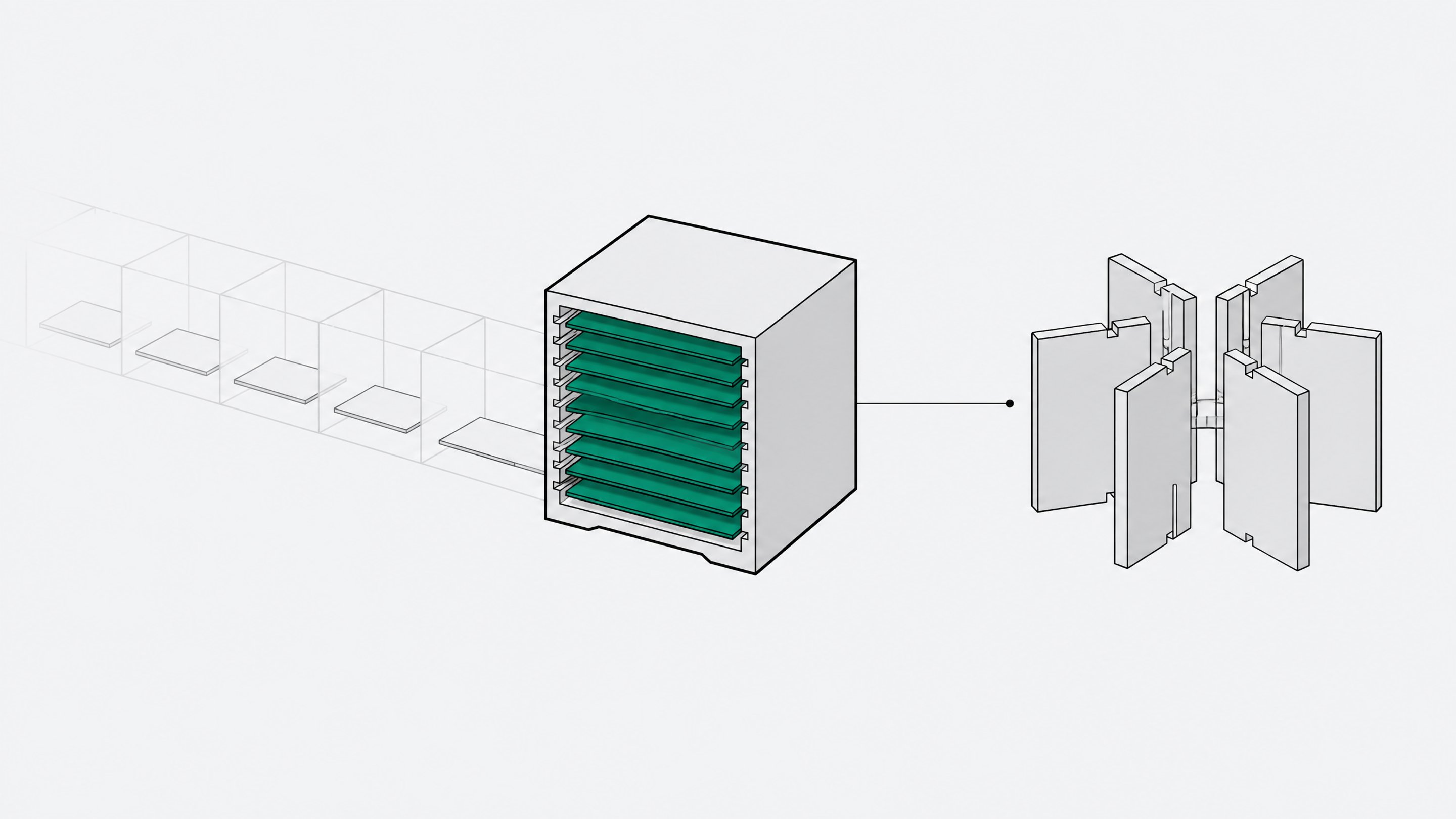
Excel's new lists-and-arrays update is a genuine formula upgrade, not a reason to keep renting spreadsheets for work that has already outgrown them. If you need better calculations, the update helps. If you need a governed app with permissions, workflow logic, and an audit trail, Excel still can't give you one, and a no-code AI builder can, often in days.
Here's what actually changed, what didn't, and how to decide which tool fits the job in front of you.
What Excel's update actually changes
On September 24, 2026, Microsoft announced that a single Excel cell can now hold more than one value.1 The company puts it plainly: "Throughout Excel's 40-year history, you've only been able to put one value per cell," and that's changing with lists, arrays in cells, and nested arrays.1
The update ships with four new functions built to work with these multi-value cells:
- HAS checks whether a list contains a specific value.
- HASANY checks whether a list contains any of several values.
- HASALL checks whether a list contains all of several values.
- FLATTEN unpacks a nested array into a simple list.12
A new brace syntax keeps a spilling array formula contained in one cell instead of overflowing into its neighbors.1
Two things temper the excitement. This is a Beta Channel preview, limited to Windows and Mac Insiders, and Microsoft says plainly these features don't belong in important workbooks yet.1 And the feature has real gaps: PivotTables, charts, Power Query, data validation dropdowns, conditional formatting outside formulas, and Find & Replace don't support lists or arrays in cells yet.23 Most of the reporting and BI work built on top of Excel can't touch this update at all, for now.
Why this feels bigger than it is
A single cell holding multiple values sounds like a big deal because spreadsheets have enforced the opposite rule for four decades. Microsoft engineer Joe McDaid explained the mechanism: "Regular Excel formulas had a calculation behavior called implicit intersection that would silently select a single value from an array of values. This ensured formulas would always return just one value as that's all a cell could hold."4
That's technical debt, and Microsoft has been paying it down for years. Dynamic arrays and the spill range arrived in 2020, letting one formula populate a range of cells automatically.4 Lists and arrays in cells are the next step in that same lineage, not a rebuild of what a spreadsheet fundamentally is.3 Excel is getting better at math. It's not becoming a different kind of tool.
What can't Excel do, even with the update?
A spreadsheet is a grid: cells, formulas, filters. What most businesses actually need from internal software looks nothing like that:
- Permissions. Who can edit a record, who can only view it, and who has to approve it before it moves forward.
- Multi-user write access without version chaos. Real concurrent editing with conflict resolution, not five copies of "Budget_FINAL_v3.xlsx" in a shared drive.
- Workflow logic. Automatic routing, approvals, and status changes tied to actual business rules.
- Audit trails. A record of who changed what and when, for compliance and for your own sanity during an incident review.
- Integrations. Live connections to Salesforce, Slack, internal APIs, and other systems of record, not a CSV export someone remembers to update.
Lists and arrays don't touch any of that. "Spreadsheet chaos" is still a phrase people use unironically in 2026 because better formulas don't fix governance gaps.
The rise of the AI-native no-code builder
While Excel was catching up on array math, Microsoft itself was pushing employees in a different direction. In October 2025, it launched App Builder and Workflows agents inside Microsoft 365 Copilot: describe an app in plain language, get a working, shareable tool back, built on Microsoft Lists as the backend, no database setup required.5 That's Microsoft admitting, in its own product line, that spreadsheets and better formulas aren't the endgame for internal software.
The survey data backs it up. In Retool's 2026 Build vs. Buy report of 817 respondents, 35% of teams have already replaced at least one purchased SaaS tool with a custom AI-assisted build, and 78% plan to build more custom tools this year.6 Workflow automation and internal admin tools are the SaaS categories most exposed, at 35% and 33% respectively.6
This isn't an engineering-only phenomenon. Retool's 2025 Builder Report found 65% of the builders surveyed were non-engineers, working in operations, product, data, or marketing, and 48% said they could now build a working solution directly, without waiting on engineering.7 Gartner's widely cited projection puts low-code and no-code technology behind roughly 70% of new enterprise applications by 2025, up from under a quarter in 2020.8 Platforms like Remy sit squarely in this shift: describe the internal tool you need, and get a governed app instead of another spreadsheet held together with VLOOKUPs and a prayer.
This is the same shift we've covered in how frontier frontend models started killing niche SaaS subscriptions: the bottleneck used to be engineering time. Now it's mostly gone.
Excel vs. no-code AI builders: the direct comparison
Line them up and the gap isn't subtle:
- Data model. Excel: cells, ranges, and now multi-value cells in preview. A no-code builder: structured records with relationships, closer to a real database.
- Collaboration. Excel: shared workbooks, still prone to version conflicts. A builder: concurrent multi-user access with role-based permissions built in.
- Build speed. Excel: fast for a formula, but workflow logic gets bolted on with macros and duct tape. A builder: a working app from a plain-language description, often in days.
- Governance. Excel: none native; permissions live at the file or SharePoint level, not the record level. A builder: permissions, approval steps, and audit logs as first-class features.
- Integrations. Excel: Power Query connectors, manual imports. A builder: live API connections to the systems your team already runs on.
- Cost model. Excel: a recurring per-seat license regardless of use. A builder: a one-time or lightweight build cost, and you own the result.
Excel wins when the job is really calculation: modeling, forecasting, ad hoc analysis. A no-code builder wins the moment the job needs a workflow, a permission structure, or more than one person touching the same record at once.
| Data model | Collaboration | Workflow build speed | Governance | Integrations | Cost model | |
|---|---|---|---|---|---|---|
| ExcelModeling, forecasting, ad hoc analysis | Cells and ranges; multi-value cells still in Beta preview | Low | Medium | Low | Low | Recurring per-seat license, regardless of use |
| No-code AI builderWorkflows, permissions, and shared records | Structured records with relationships | High | High | High | High | One-time or lightweight build cost; you own the result |
The shadow side of both
Neither tool is risk-free, and it's worth being honest about that instead of picking a side out of nostalgia. Rented spreadsheets already have a shadow-IT problem: uncontrolled copies, stale versions, and formulas nobody can audit six months later.
The newer risk is shadow AI. IBM's 2025 Cost of a Data Breach Report found that breaches involving high levels of unsanctioned AI tool use added an average of $670,000 to the cost of a breach, and 20% of studied organizations had experienced a breach linked to shadow AI.9 A Cybernews survey found 59% of employees use AI tools their employer hasn't approved, rising to 93% among executives and senior managers, and three-quarters of those users admitted sharing potentially sensitive data with an unapproved tool.10
The fix isn't avoiding building. It's building with oversight. Retool's 2026 data suggests most builders are already doing this: 72% use AI to write discrete, reviewable code snippets rather than prompting entire apps into existence, and only 8% deploy AI-generated code with zero changes.6 That's a build culture with brakes on it, not blind trust. It's the same governance conversation we laid out in orchestrating your own internal agent workflows: the tools are capable, but the discipline has to come from your process, not the vendor's marketing.
What are you actually paying for with the Office license?
Microsoft 365 pricing has been climbing. E3, the tier that includes Excel, Word, and basic security, runs $39 per user per month as of 2026, up from $36.11 E5 runs $60, and the new E7 "Frontier" tier, which bundles agent infrastructure, runs $99 per user per month.11 Those costs recur indefinitely, whether or not your team is actually using the full suite.
Compare that to what a build gets you. ClickUp's GTM team built six internal AI tools on an app-builder platform and cut $200,000 a year in automation software spend, plus significant headcount costs.6 Harmonic replaced a $20,000-a-year third-party tool by rebuilding it internally after slow vendor support, and now runs 33 internally built apps with audit logs and role-based access already in place.7 Those aren't hypothetical savings. They're what happens when the build-vs-buy math flips, a shift we've tracked in how Fable 5.1 changed the economics of building internal tools.
So, do you still need rented spreadsheets?
Yes, for some things. No, for a lot of what's currently living in one.
Keep Excel for:
- One-off financial models and scenario analysis.
- Quick calculations where a formula, not a workflow, is the actual need.
- Ad hoc data exploration that never needs to be shared as a system of record.
Move to a no-code AI builder when:
- More than one person needs to write to the same data at the same time.
- The workflow needs approvals, status tracking, or role-based access.
- The spreadsheet has become the unofficial database for a process the business actually depends on.
For calculation, sure, keep the spreadsheet. For the internal software your team has quietly been running out of a shared workbook, probably not anymore. That's less a verdict on Excel, which just got a genuinely useful upgrade, and more a recognition that the job most spreadsheets are doing now has moved past what a grid was ever built for.
Announced by Microsoft on September 24, 2026, it lets a single Excel cell hold and calculate against multiple values for the first time in the product's 40-year history, using new functions HAS, HASANY, HASALL, and FLATTEN. It's currently in Beta Channel preview for Windows and Mac Insiders and isn't recommended for important workbooks yet.
No. The update is a calculation upgrade for formulas, and it doesn't add permissions, multi-user write access, workflow logic, or audit trails. No-code AI builders address exactly those gaps, letting non-engineers ship governed internal apps in days rather than working around a spreadsheet.
Not yet. As of the September 2026 announcement, lists and arrays in cells explicitly don't support PivotTables, charts, Power Query, data validation dropdowns, non-formula conditional formatting, or Find & Replace, which limits most existing BI and reporting workflows from using the feature.
Both carry governance risk if left unmanaged. IBM's 2025 breach report found shadow AI use added an average of $670,000 to breach costs, and a Cybernews survey found 59% of employees already use unapproved AI tools. The fix is oversight and review, not avoiding building, since most AI-assisted builders already review code rather than deploying it unchanged.
Microsoft 365 E3 runs $39 per user per month as of 2026, with E5 at $60 and the new E7 tier at $99, all recurring indefinitely. In contrast, teams like ClickUp's GTM group have cut $200,000 a year in software spend by building internal AI tools instead of buying more SaaS seats.
- 1Put multiple values in one cell with lists and arrays in ExcelMicrosoft 365 Insider Blog (Microsoft)
- 2Excel Lists in Cells: Put Multiple Values in One CellXelPlus (Leila Gharani)
- 3Excel is finally letting you put multiple values in a single cell9to5Windows
- 4Microsoft is breaking a decades-old Excel rule: one cell can now hold an entire listWindows Latest
- 5Microsoft 365 Copilot now enables you to build apps and workflowsMicrosoft (Copilot Blog)
- 6The build vs. buy shift: how vibe coding and shadow IT have reshaped enterprise software (2026 Build vs. Buy Report)Retool
- 7The building revolution: 2025 builder reportRetool
- 8No-Code Statistics 2026: Adoption, ROI & Market DataKissflow
- 9What data leaders need to know from the Cost of a Data Breach Report 2025IBM
- 10Lurking in the shadows: The costs of unapproved AI toolsJournal of Accountancy (AICPA)
- 11Microsoft 365 for enterprise (plans and pricing)Microsoft