Tuning Your Local AI: Why Self-Hosted Models Feel Dumber Than They Are
The model isn't the problem. Your defaults are. Here is how to configure a local LLM so it reasons like the API you replaced.

- 01Ollama defaults to a 2048-token context window, causing models to silently drop older instructions.
- 02Aggressive Q4 quantization degrades instruction-following by over 10% while math reasoning stays intact.
- 03Mismatched chat templates silently break instruction-following without throwing any runtime errors.
- 04Lowering temperature to 0.1-0.3 improves reliability for structured tasks like coding or data extraction.
The short answer
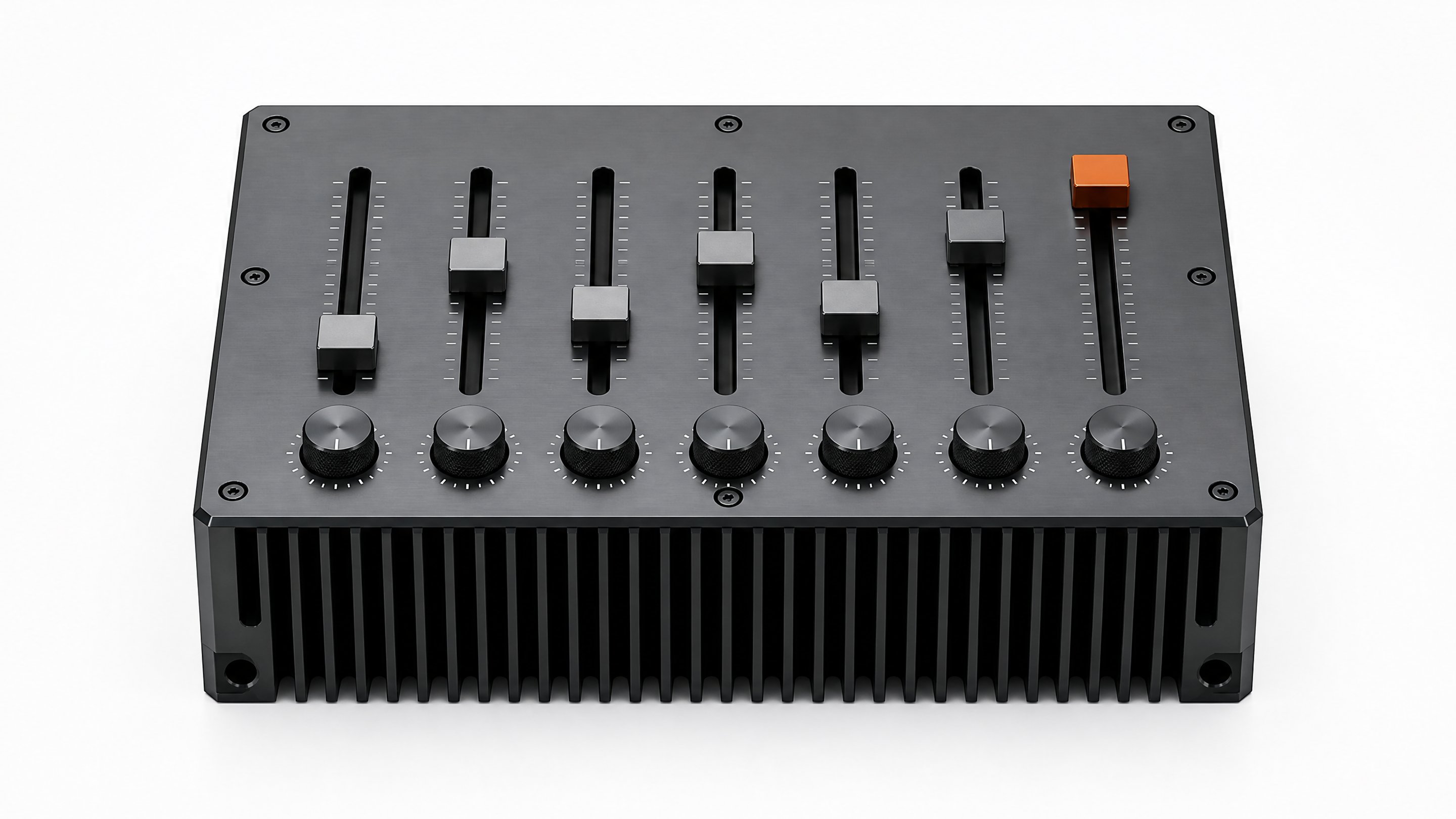
A local LLM feels dumber than a hosted API almost always because of configuration, not capability. Out of the box, tools like Ollama ship a small context window, a compressed quantization level, and generic sampling settings that were chosen for compatibility with low-end hardware, not for reasoning quality. Fix those three knobs and most 7B-70B open models close a meaningful chunk of the gap with rented APIs.
This matters right now because a lot of employees are quietly standing up local models to keep sensitive prompts off someone else's servers. About 38% of workers admit to pasting confidential data into AI tools without approval, according to a 2024 CybSafe and National Cybersecurity Alliance survey of 7,000 people.1 Running a model on your own box sidesteps that risk. But if the local model can't keep up, people quietly go back to the API anyway, and the privacy win evaporates.
Fix 1: your context window is probably 2048 tokens
This is the single most common cause of "the local model forgot what I just told it." Ollama's default context window is 2048 tokens unless your hardware triggers a larger auto-default, and even the newer auto-scaling only bumps it to 4k on machines with less than 24GB of VRAM.2 A 2048-token window fills up after a few paragraphs of system prompt plus a couple of turns of conversation. Once it's full, the model silently drops the oldest tokens, so it starts contradicting itself or forgetting instructions you gave five messages ago. It isn't reasoning worse. It's reasoning over less information.
Ollama's own documentation now recommends at least 64,000 tokens for anything involving web search, agents, or coding tools.2 The fix is one environment variable or one CLI flag:
OLLAMA_CONTEXT_LENGTH=65536 ollama serve
Or set num_ctx per request if you're calling the API directly. The tradeoff is memory: a bigger context window means a bigger KV cache, which eats VRAM. If you're on a laptop GPU, you may need to pick between a longer context and a larger model. That's a real tradeoff, but it's a tradeoff you get to choose, instead of one baked into a default you never saw.
Fix 2: check what your quantization is actually costing you
Most people download whatever GGUF file appears first in a model card, often a Q4 variant, because it's smaller and faster. Quantization compresses model weights from 16-bit floats down to 4, 5, or 8 bits, and the accuracy cost is not uniform across tasks.
A benchmark study across Qwen2.5, DeepSeek, Mistral, and Llama 3.3 found that instruction-following and multilingual tasks degrade the fastest under aggressive quantization, with more than a 10% accuracy loss on IFEval at INT4 and GGUF Q4 levels, while math reasoning tasks like GSM8K stayed within about 84-87% of baseline accuracy even at Q4.3 In other words, a heavily quantized model might still add numbers correctly but start ignoring formatting instructions or losing track of multi-step directions, which is exactly the kind of "it feels dumber" complaint people report.
The same study found Q5_K_M and GPTQ-INT8 retained roughly 95-99% of full-precision accuracy across the board, making Q5_K_M a reasonable default when you need both speed and quality, and something below Q5 a real risk for anything involving strict instructions or non-English text.3
Quantization quality retention by format (approximate, from benchmark study)
General rule from the data: as bit-width drops, degradation is not linear across task types. Instruction-following and multilingual reasoning drop off first; structured math and logic tasks hold up longer.
Fix 3: your chat template might be silently wrong
Every instruction-tuned model was trained on a specific format for turning system prompts, user turns, and assistant turns into a single string of tokens. If the runtime you're using applies the wrong template, or an outdated one pulled from a registry, the model is technically reading a prompt that looks nothing like what it was trained on. Community reports on Hugging Face describe exactly this failure mode with Ollama's model registry serving mismatched templates for newer model families, where responses look plausible for simple one-turn chats but break down on anything more structured.4
This is the quietest failure mode because it doesn't throw an error. The model just gets worse at following instructions, staying in character, or respecting a system prompt, and it's easy to blame the model's size instead of the plumbing. If you're running llama.cpp directly, use --chat-template explicitly rather than trusting auto-detection, and verify against the model card's official prompt format.
Fix 4: sampling settings were tuned for chat, not for work
Default temperature and top-p settings in most local UIs are set around 0.7-0.8, values chosen to make casual conversation feel natural. For anything that needs a consistent, checkable answer, like extracting data from a document or writing code, a lower temperature (0.1-0.3) produces more deterministic output and fewer wandering tangents. This is the cheapest fix on this list. It costs nothing in memory or speed, and most people never touch it because the default just works well enough for chit-chat.
Putting it together
None of these fixes require a bigger GPU or a different model. They require going into settings most people never open. If you're the person setting up local AI for your team, that's also the moment to think about ownership more broadly: a model that's tuned once and documented for everyone beats a dozen people each fumbling their own Ollama config. That's the same instinct behind Remy, treating the tools your team runs as something you configure and own rather than something you accept as-is.
Your context window is almost certainly too small. Ollama defaults to 2048 or 4096 tokens depending on available VRAM, which fills up fast in a real back-and-forth.
Not uniformly. Math and logic tasks hold up well even at Q4, but instruction-following and multilingual tasks can lose more than 10% accuracy at that level.
For most work use, yes. Q5_K_M and GPTQ-INT8 retain roughly 95-99% of full-precision accuracy in benchmark testing, a real gap over Q4 for anything beyond casual chat.
Privacy and control. Close to 40% of employees admit to sharing confidential data with AI tools without company approval, and a local model keeps that data off third-party servers entirely.
Increase your context window. It's a one-line environment variable change and it fixes the most commonly reported symptom of a local model feeling dumb.
- 1AI Gone Wild: Why Shadow AI Is Your IT Team's Worst NightmareCloud Security Alliance
- 2Context length - Ollama documentationOllama
- 3Benchmarking Quantized LLMs: What Works Best for Real Tasks?Ionio
- 4Ollama model registry provides wrong chat templateHugging Face Forums