AI Agents That Write Code From Diagrams: What's Actually Shipping
Diagramming tools are turning into build environments. Here's what happens when an AI agent writes code straight off your sketch, and where the trend runs out of road.

- 01AI agents can now read diagram canvases to generate and iteratively edit production-ready code.
- 02Coinbase reduced a standard two-to-four-week internal feature build to just four days using an agent pipeline.
- 03Nearly 80% of builders plan to create custom internal tools this year, putting pressure on traditional SaaS procurement.
- 04Early agent-generated pull requests were often too massive to review, requiring teams to adopt component-level scaffolding.
- 05Only 8% of builders ship AI-generated code without modifications, highlighting the continued need for human engineering judgment.
Can AI agents write code from diagrams?
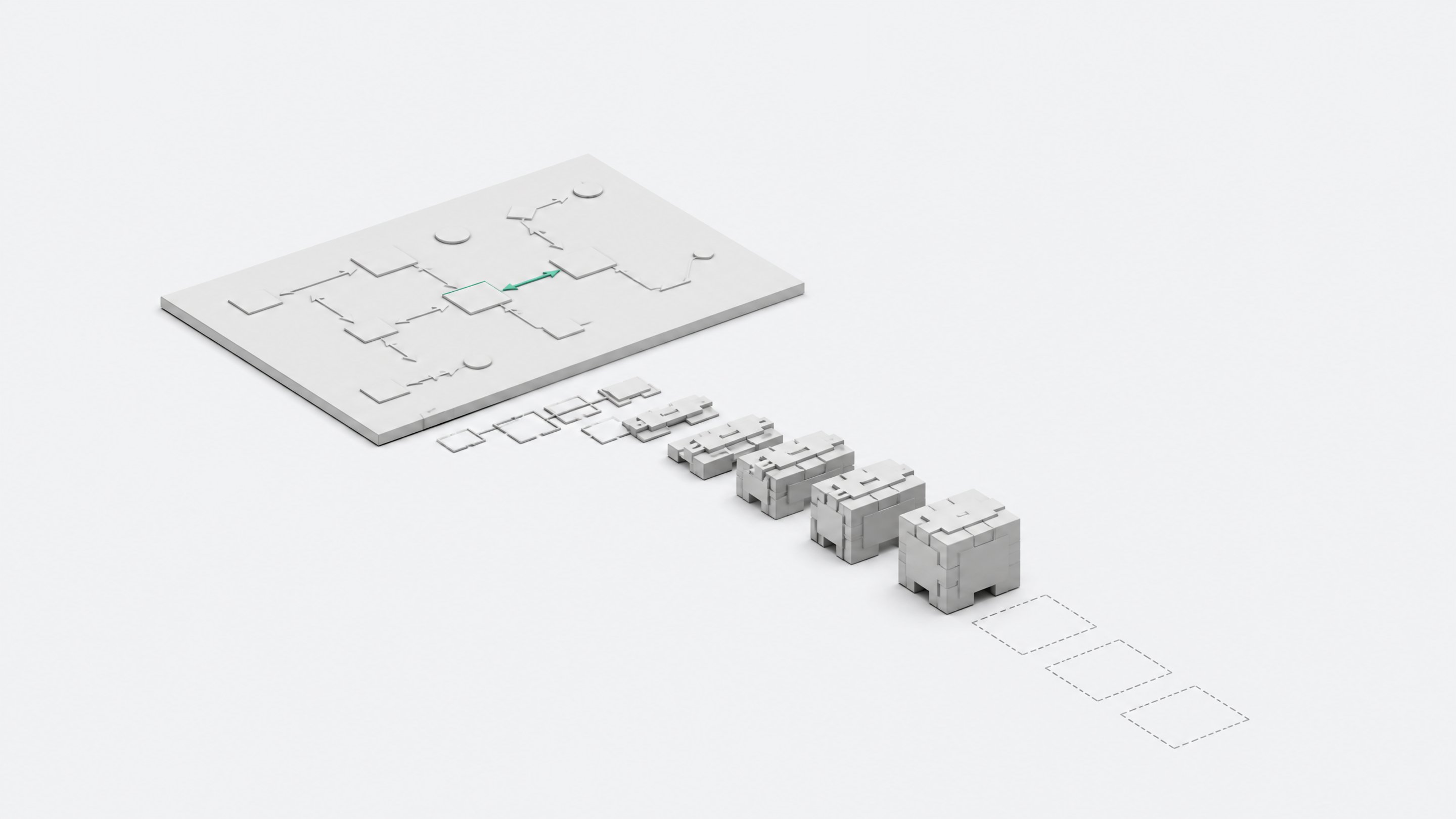
Yes, and it's already shipping in production. Tools like tldraw's Make Real and Agent SDK, Figma's new use_figma MCP tool, GitHub Copilot's canvases, and MCP-connected diagramming apps like Datadef let an AI agent read a sketch, wireframe, or architecture diagram and generate working code against it, sometimes straight into a live repository.12345 This isn't a party trick. Coinbase used exactly this pattern to cut a two-to-four-week feature build down to four days.6 The mechanism is real, the output is reviewable code, and the surface you're building on is the same canvas you'd use to explain the idea to a coworker.
That's the shift worth paying attention to. For years, a whiteboard sketch was a communication tool. You drew it, someone photographed it, and an engineer eventually translated it into a ticket. Now the diagram itself can be the interface an agent builds against, and the canvas stays open the whole time as the place where you both work.
From whiteboard to runtime: how the canvas became a dev environment
The lineage here is short and traceable. In November 2023, tldraw shipped an experiment called Make Real, built after a Figma engineer's demo of GPT-4V reading a UI sketch. You'd draw a rough interface on tldraw's infinite canvas, hit a button, and get back a working website rendered as an iframe, on the same canvas.17 That closed the loop: draw, generate, see it run, without leaving the page.
What's changed since is persistence. tldraw's Agent starter kit gives an AI agent standing access to the canvas itself. It can see shapes, create and edit them, draw freehand, and run multi-step tasks across a session, rather than firing once and handing back a static result.2 That turns the canvas from a one-shot generator into an ongoing collaborative surface, closer to a workspace than a demo.
Figma made the equivalent move at the design-tool layer. In March 2026 it opened its canvas to agents through a new use_figma MCP tool, so Claude Code, Cursor, Codex, and other MCP clients can write directly onto a live Figma file, using the team's actual design system, components, and variables instead of generating throwaway markup.3 The diagram stops being a picture of the product and becomes a live, editable model of it.
What does this look like in production?
The clearest production case is Coinbase's internal Figma-to-code agent. It reads Figma screenshots against a reference implementation and a rules document, then writes production code. Their first full pilot, an FCM Derivatives feature, took four days against a normal two-to-four-week timeline, because design-to-code translation had been eating roughly 80% of delivery time on typical internal tooling work.6
The first version of the agent generated a full page in one shot, and the result was a pull request nobody could realistically review: 85 files and more than 6,300 additions on the frontend, 19 files and over 14,000 additions on the backend.6 Coinbase's fix was procedural, not technical: an orchestrator pattern that plans the work, scaffolds the structure, then splits generation into smaller, parallel per-component draft PRs a human can actually read before merging.
GitHub's Copilot canvases follow a related logic at the workflow level. Instead of burying an agent's decisions in chat scrollback, a canvas keeps the workflow state, decision points, and approval gates visible and inspectable to both the agent and the human reviewing it.4 Datadef applies the same idea to architecture diagrams specifically: an agent already working in Claude Code, Cursor, or Codex can create and keep a diagram in sync with the live repo, so the diagram stops being a stale artifact from a design meeting and becomes something the agent maintains as the system changes.5
Why this matters now
None of this would matter much if it were confined to a handful of engineering teams running agent pipelines. It isn't. Retool's 2026 survey of 817 builders found that 35% of teams have already replaced at least one SaaS tool with a custom build, and 78% expect to build more custom internal tools this year.8 The categories under the most replacement pressure are workflow automations (35%) and internal admin tools (33%), followed by BI, CRM, and project management software.8
That's the SaaS economics story underneath this piece: procurement used to be the bottleneck between wanting an internal tool and having one. If a non-developer can sketch the tool on a canvas and have an agent build a working version against it, that bottleneck moves or disappears. This is the same dynamic covered in our framework for deciding what to build, buy, or prototype, just with a lower floor for who can start the build.
The governance side nobody sketching a diagram is thinking about
Here's the part that should give any security or IT lead pause. The same Retool survey found 60% of builders across seniority levels had built something outside official IT oversight in the past year, most often citing speed or an unmet need.8 PagerDuty's 2026 survey of 1,250 office professionals found two-thirds had used an AI tool at work they believed was against company policy, and 88% had shared work-related information with a public AI tool.9 BetterCloud's 2026 data puts the average company at 118 SaaS apps, with 44% of those not IT-sanctioned, and 52% of IT teams still worried about shadow AI and shadow IT.10
The canvas-to-code pattern doesn't create shadow IT. It just lowers the skill floor for producing it. Anthropic's Claude Cowork is a useful data point on how fast that can move: Anthropic's own team built it almost entirely with Claude Code, in about a week and a half, spending more time on product decisions than on individual lines of code.11 That's the upside case. The downside case is the same speed applied to a tool nobody in security or compliance ever saw, running against real customer data, drawn on a whiteboard by someone who never filed a request. We covered the mechanics of that risk in more detail in the shadow AI tools employees are already running without a ticket.
What can you actually draw your way to right now?
Coinbase's own findings are the honest ceiling here. The agent was strong at structural, convention-following code: file layout, data fetching, permissions boilerplate, the mechanical scaffolding that eats engineering hours without requiring engineering judgment.6 It still needed a human for business-logic edge cases, UI fine-tuning, and integration quirks that don't show up in a screenshot.
Retool's data backs up a more modest reality across the industry generally:
- 72% of builders use AI to write discrete code snippets they still integrate themselves.8
- Only 31% prompt their way to a complete application.8
- Just 8% ship AI-generated code with no changes at all.8
So the honest framing is this: a diagram gets you the scaffolding, the layout, and often a working first draft. It doesn't get you a finished, unreviewed product yet. The gap between those two is exactly where a person with judgment still earns their keep, and it's the same gap our piece on verifying AI-generated code without just reading it harder is built around.
The build vs. buy math, updated for the canvas
Run the numbers the way any build-vs-buy decision should be run. A new SaaS seat for an internal admin tool or workflow automation typically costs a recurring per-user fee, plus the procurement time to get it approved. An agent that turns a sketch into working scaffolding costs a subscription to a coding agent and a few hours of a builder's time to draw the thing and review the output.
Given that workflow automations and internal admin tools are the two SaaS categories facing the most replacement pressure from custom builds,8 the math tilts toward building whenever the tool is simple enough that Coinbase-style scaffolding covers most of the work, and specific enough to your team that a generic SaaS product is really just a worse-fitting version of what you'd draw yourself.
How do you try this?
If you want to test this on something real rather than a toy, the on-ramps are already public:
| Upfront cost | Time to first working version | Customization to your workflow | Risk of bypassing IT oversight | Ongoing maintenance burden | |
|---|---|---|---|---|---|
| Buy a SaaS toolstandardized workflows with many users | Per-seat fee + procurement time | Weeks (approval + onboarding) | Low | Low | Low |
| RecommendedBuild with a coding agentsimple, team-specific internal tools | Agent subscription + a few builder hours | Days | High | High | Medium |
- Sketch a UI and get a runnable draft. tldraw's Agent starter kit lets you build or use an agent that reads and edits shapes on the canvas directly, good for prototyping a UI idea before you commit engineering time.2
- Work inside your real design system. If your team already lives in Figma, the use_figma MCP tool lets Claude Code, Cursor, or Codex write against your actual components and variables instead of a generic mockup.3
- Keep architecture diagrams honest. Datadef's MCP integration keeps a diagram synced to your live repo from inside the coding agent you already use, so the diagram doesn't rot the week after the meeting that produced it.5
- Make the workflow itself reviewable. GitHub Copilot's canvases give you a durable, inspectable surface for agent decisions and approval gates, useful once you're running this pattern on anything that touches production.4
For teams that want to skip assembling that stack piece by piece, platforms like Remy are built around the same idea end to end: sketch the internal tool you actually need and let an agent build and own the working version, rather than routing the request through a SaaS vendor.
Start with something small and internal, review the first pull request line by line the way Coinbase learned to, and treat the diagram less like documentation and more like the source of truth it's becoming.
Yes. Tools like tldraw's Make Real and Agent SDK, Figma's use_figma MCP tool, and GitHub Copilot canvases let an agent read a sketch or diagram and generate working code from it. Coinbase's internal Figma-to-code agent is a production example, cutting a typical two-to-four-week feature build to four days.
Not yet. Coinbase found its agent was strong at structural, convention-following code like file layout and boilerplate, but still needed a person for business-logic edge cases and integration quirks. Retool's data shows only 31% of builders prompt their way to a complete application; most still integrate AI output by hand.
It can be. Retool found 60% of builders had built something outside official IT oversight in the past year, and PagerDuty found two-thirds of office workers had used an AI tool they believed violated company policy. The speed of canvas-to-code building makes it easier to produce unsanctioned software, not just easier to build software.
Make Real, from 2023, was a one-shot loop: sketch a UI, click a button, get a rendered website back on the canvas. The Agent SDK builds on that by giving a persistent agent ongoing access to see and edit canvas shapes across a session, turning it from a single generation event into a continuous build surface.
It tends to make sense when the tool is simple enough that agent-generated scaffolding covers most of the work, and specific enough to your workflow that a generic SaaS product is a worse fit anyway. Retool's data shows workflow automations and internal admin tools face the most replacement pressure from custom AI-built alternatives.
- 1make real, the story so fartldraw (Substack)
- 2Agent starter kittldraw.dev
- 3Agents, meet the Figma canvasFigma Blog
- 4How canvases make agentic workflows visible, steerable, and cost-efficientGitHub Blog
- 5Draw Architecture Diagrams with Your AI Agent over MCPDatadef
- 6Automating Figma-to-Code at CoinbaseCoinbase Blog
- 7Make Real: tldraw's AI AdventureGitNation (React Advanced 2024 talk by Steve Ruiz)
- 8The build vs. buy shift: how vibe coding and shadow IT have reshaped enterprise softwareRetool
- 9PagerDuty Report Finds Two-Thirds (66%) of Office Professionals Have Used Unauthorized AI Tools at WorkPagerDuty Newsroom
- 10236 SaaS statistics for 2026BetterCloud (The Monitor Blog)
- 11Anthropic's viral new work tool wrote itselfAxios