Claude Browser vs. API Automation: Which One Should Do the Task?
Claude's browser agent can click and fill forms without an API. Zapier and n8n still run on APIs. Here's the real cost, speed, and risk tradeoff.

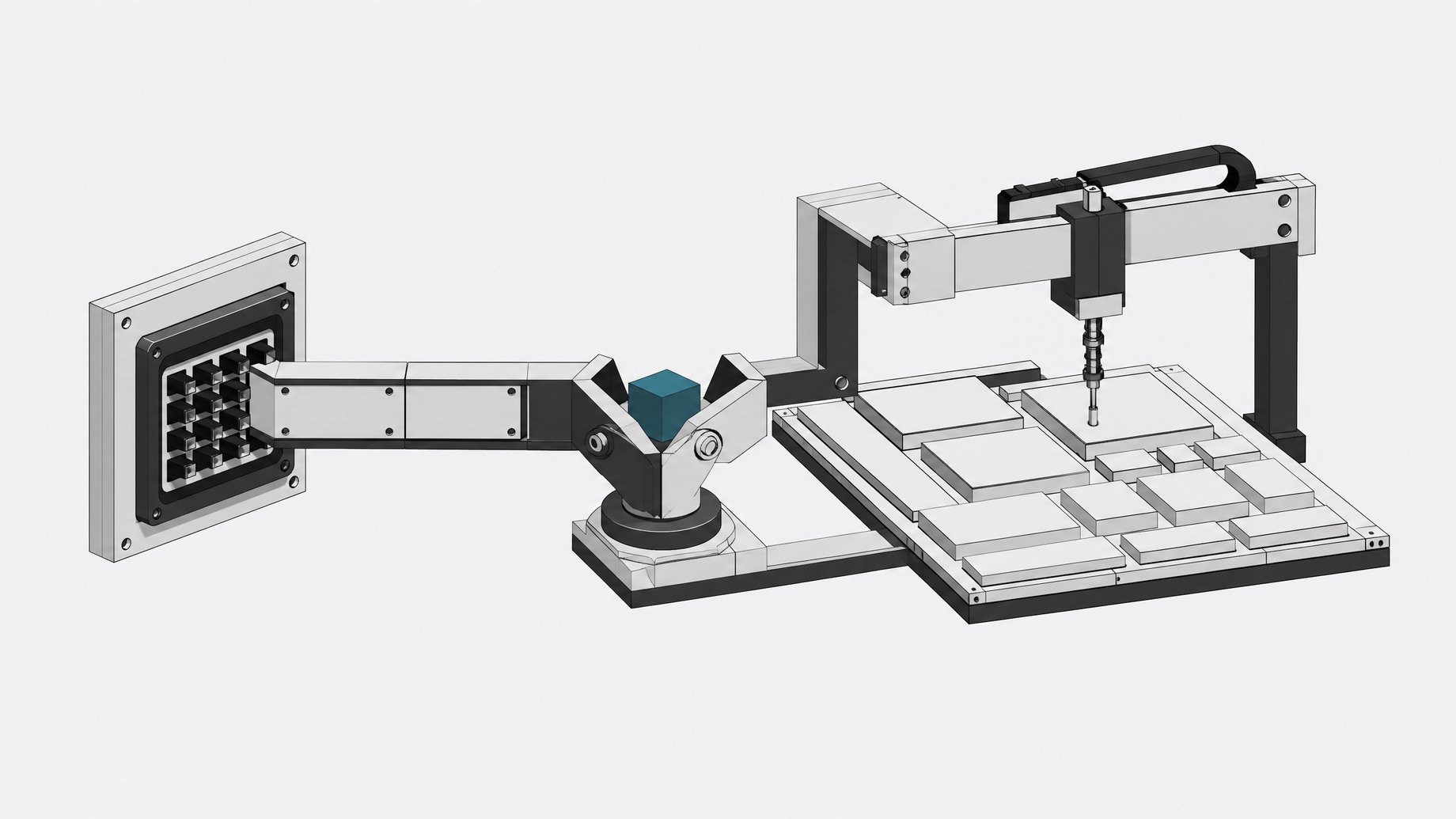
Should Claude's browser agent or API automation do the task?
Use Claude's browser agent for one-off, low-frequency work in apps with no API or a bad one. Use API-based automation (Zapier, Make, n8n, or a direct integration) for anything you run often, at scale, or where a mistake is expensive. That's the short answer. The rest is cost, speed, and who's watching.
TL;DR
- Browser agents can take 51x longer and consume 45x more tokens than direct API calls on the same task.
- Even with safety mitigations, prompt-injection attacks on Claude's browser agent still succeed 11.2% of the time.
- Browser automation is best for low-frequency tasks or legacy apps that lack a proper API.
- High-volume, recurring workflows are cheaper and more reliable when built as direct API integrations.
- Zapier counts every action step as a task, so multi-step automations can burn through a plan's allotment quickly.
- Browser agents extend shadow AI into a riskier place, so the real governance move is knowing it's happening rather than banning it.
Why Are Employees Automating Differently Now?
Until recently, getting software to fill out a form, pull data from a legacy tool, or click through a multi-step process meant building an integration first: an API key, a connector, usually a ticket to IT.
That's no longer the only option. Claude in Chrome lets Claude read a page, click buttons, fill in fields, and move across tabs the way a person would, with none of that engineering work. An employee opens the sidecar extension and points it at the task. No connector to build. No API access to request.
This is a real second path for software automation, not a novelty. But it carries real tradeoffs, and most teams evaluating it are either comparing it to the wrong thing or using it for the wrong task.
What Is Claude's Browser Automation?
Anthropic launched Claude for Chrome as a research preview on August 26, 2025, limited to 1,000 subscribers on the Max plan ($100 to $200 a month). Access expanded to all Max users in November 2025, then to every paid tier, including Pro, Team, and Enterprise, by December 18, 2025.
The extension gives Claude a browser session it can operate directly: reading page content, clicking, typing into forms, running scheduled or recurring tasks. It's a narrower tool than Anthropic's separate Computer Use capability, which controls an entire desktop. Claude in Chrome stays scoped to the browser tab. That's a safety boundary and a limitation at once.
Anthropic's own red-teaming found meaningful risk here. Without mitigations, prompt-injection attacks against Claude in Chrome succeeded 23.6% of the time. With safety defenses in place, that dropped to 11.2%, and a browser-specific set of "challenge" attacks fell from 35.7% success to zero. That's real progress, but not zero risk. A browser agent with click and type permissions is a much bigger attack surface than a read-only API call.
What Is API-Based Automation (Zapier, Make, n8n)?
The alternative most teams already know: connector platforms like Zapier, Make, and n8n, or direct API integrations built by an engineer. These tools call an app's API directly. No browser, no simulated clicking. They're fast, deterministic, and cheap per run, but they need the app to expose an API in the first place, and someone has to build and maintain the connection.
The economics surprise a lot of buyers. Zapier's pricing counts every action step in a workflow as a task, not just each workflow run. A five-step Zap that fires 150 times a month burns 750 tasks, an entire Professional-tier allotment gone in a single automation. Real teams commonly land between $50 and $200-plus a month once multi-step Zaps and overages stack up, and some users have watched bills jump from $10 to over $750 as usage scaled.
How Do Claude Browser and API Automation Compare on Cost and Speed?
A controlled benchmark from Apptitude ran the identical task on the identical model, Claude Sonnet, once through a browser agent and once through an API-driven agent. The gap was stark:
- Steps taken. The browser agent needed about 53 steps. The API agent needed 8.
- Wall-clock time. The browser agent took roughly 17 minutes. The API agent finished in about 20 seconds, a 51x difference.
- Input tokens consumed. The browser agent used about 551,000 input tokens against the API agent's 12,000, a roughly 45x cost gap.
Every screenshot, every rendered DOM element, every scroll and click the browser agent reasons about costs tokens. An API call skips all of that and goes straight to structured data. This isn't a Claude quirk. It's the nature of vision-based, click-driven automation versus a direct call.
When Should You Use a Browser Agent Instead of an API?
None of that makes browser automation useless. It makes it situational. Reach for a browser agent when:
- There's no API to call. Plenty of internal tools, legacy systems, and smaller vendors never built one.
- The task is low-frequency or ad hoc. Run something once a week or once a month, and a 45x cost multiplier on a cheap task still costs pennies.
- You're prototyping. Before investing engineering time in a connector, a browser agent tells you fast whether the workflow is even worth automating properly.
This is exactly the gap Zapier-style tools have always struggled to fill. Connector platforms need the target app to have an API and someone to have already built the integration. For the long tail of tools that don't, and for the huge volume of tasks employees run once and never again, a browser agent that just looks at the screen and acts is a genuinely new option, not a worse version of an old one.
When Should You Build a Real API Integration Instead?
For anything recurring, high-volume, or business-critical, the calculus flips hard. API-first automation gives deterministic behavior and predictable cost per run, which matters enormously once a workflow runs hundreds or thousands of times a month. It's also auditable in a way clicking through a UI isn't: you know exactly what data moved, when, and through which endpoint.
That determinism is the whole argument for building a real integration once a workflow proves itself. The pattern here tracks the falling API costs covered in our piece on LLM pricing trends: as model costs drop, the economics of API-first agent architecture (often wired through MCP) keep improving relative to token-hungry browser automation. That makes the case for graduating a proven workflow off the browser and onto a real connector stronger over time, not weaker.
What Is the Governance Problem When Shadow AI Meets Shadow Automation?
Here's the part IT should sit up for. Employees don't wait for approval to solve their own friction. Microsoft's 2025 Work Trend Index found 78% of AI users at work bring their own AI tools outside IT approval, and Vectra AI found 98% of organizations have some unsanctioned AI or app usage. Browser agents fit that pattern perfectly: no install request, no security review, just an extension and a task.
We've written before about the shadow AI tools employees are already using to build their own apps, and browser automation extends that same shadow layer into a riskier place: an agent with click and type permissions inside a real browser session, potentially logged into real company accounts, with a documented double-digit prompt-injection success rate even after mitigations. That's not a reason to ban it. It's a reason to know it's happening.
This governance gap also sits on top of a sprawl problem that predates AI agents entirely. The average enterprise already manages around 291 SaaS applications, with 51% of purchased licenses going unused, wasting an estimated $18 million a year. Handing employees a tool that lets them route around procurement doesn't fix that sprawl. It adds a layer nobody's tracking on top of it.
How Do You Choose Between Claude Browser and API Automation?
A simple rule covers most cases:
- Ask how often you'll run it. Once or twice ever: browser agent. Weekly or more: build or buy an integration.
- Ask if an API exists. No API, or a bad one: the browser agent is often your only realistic option.
- Ask what a mistake costs. Low stakes, easily reversed: browser agent is fine. Financial, customer-facing, or compliance-relevant: use the deterministic, auditable path.
- Ask who's watching. If IT or security has no visibility into the workflow, that's a governance gap regardless of which tool you picked.
| Cost per run | Speed | Setup effort | Requires an API to exist | Auditability | Good at high volume | |
|---|---|---|---|---|---|---|
| Claude browser agentone-off, low-frequency, no-API tasks | High | Low | Low | No | Low | No |
| RecommendedAPI automation (Zapier/Make/n8n/direct)recurring, high-volume, business-critical workflows | Low | High | High | Yes | High | Yes |
Teams that want the reliability of a real integration without renting another point-solution subscription for every connector are really asking a build-versus-rent question, the same one raised in our look at the SaaS cost overruns pushing teams back to self-hosting. The browser-versus-API decision is a smaller version of that same tradeoff. If you're weighing whether to keep stacking connector subscriptions or build automation you actually control, tools like Remy are part of that same shift toward owning the software layer instead of renting it piece by piece.
Claude's browser agent didn't replace API automation. It filled the gap API automation was never going to close: the long tail of odd, occasional, no-API tasks that used to just not get automated at all. Know which bucket your task is in before you reach for either tool.
Frequently Asked Questions
Is Claude in Chrome the same as Anthropic's Computer Use?
No. Computer Use controls an entire desktop environment, while Claude in Chrome is scoped specifically to the browser tab, reading pages and clicking or typing within that session.
Why is browser-based automation so much more expensive than an API call?
Browser agents have to process screenshots and rendered page content to decide what to click, which consumes far more tokens than a direct API call. One benchmark measured a 45x gap in input tokens and a 51x gap in time for the same task.
Is Claude for Chrome safe to use for sensitive tasks?
Use caution. Anthropic's own testing found an 11.2% prompt-injection attack success rate even after safety mitigations, down from 23.6% unmitigated. That's real progress but not zero risk, especially for logged-in sessions.
Should I replace my Zapier workflows with Claude browser automation?
Generally no. Zapier and similar tools are cheaper and more reliable for anything you run repeatedly at scale. Browser agents make more sense for one-off tasks or tools that have no API at all.
What's the biggest hidden cost of API-based automation platforms like Zapier?
Task-based pricing that counts every step in a workflow, not just each run. A five-step Zap running 150 times a month can consume an entire monthly task allotment on its own.
How we source, write, and correct our articles. Editorial standards