Shadow AI Is Now Sitting on Your Employees' Desks
From uncensored local models running on laptops to always-on wearable AI pendants, employees have quietly built an AI stack IT never approved. Here is what it actually exposes.

- 0180% of employees use unapproved AI tools, while only 37% of enterprises have governance policies.
- 02Shadow AI involvement increases the average cost of a data breach by $670,000.
- 03Unapproved AI tools remain active for a median of 403 days before detection.
- 04Providing a sanctioned AI tool reduces unauthorized shadow AI use by 89%.
The short answer
Local AI security risk in the enterprise comes down to this: employees are running large language models, AI wearables, and browser-based AI tools on their own hardware, outside IT visibility, and most of these tools have no authentication, no logging, and no data governance attached. Eighty percent of employees now use AI tools their employer never approved, and only 37% of enterprises have any AI governance policy at all.1
This is not a hypothetical. IBM's 2025 Cost of a Data Breach Report made shadow AI a formal breach category for the first time, and organizations with high shadow AI involvement paid $670,000 more per breach than those with low or no shadow AI, landing at an average of $4.63 million.2 In 97% of AI-related breaches, the organization had no AI access controls in place.2
It is not just ChatGPT anymore
The shadow AI conversation used to be about someone pasting a contract into ChatGPT's free tier. That is still happening, and it is still a problem: 45% of prompts sent to public AI tools go through personal accounts like Gmail, and most of that data flows to ChatGPT's free tier, where it can be retained and used for training.3
But the surface area has grown well past chatbots. Gartner's own scope note on shadow AI now explicitly includes unapproved local models, AI browser extensions, and AI features quietly activated inside tools employees already have.4 Harmonic Security's analysis of 22.4 million enterprise AI prompts found 665 distinct generative AI tools operating inside enterprise environments, while only 40% of the companies involved had bought a single official AI subscription.5
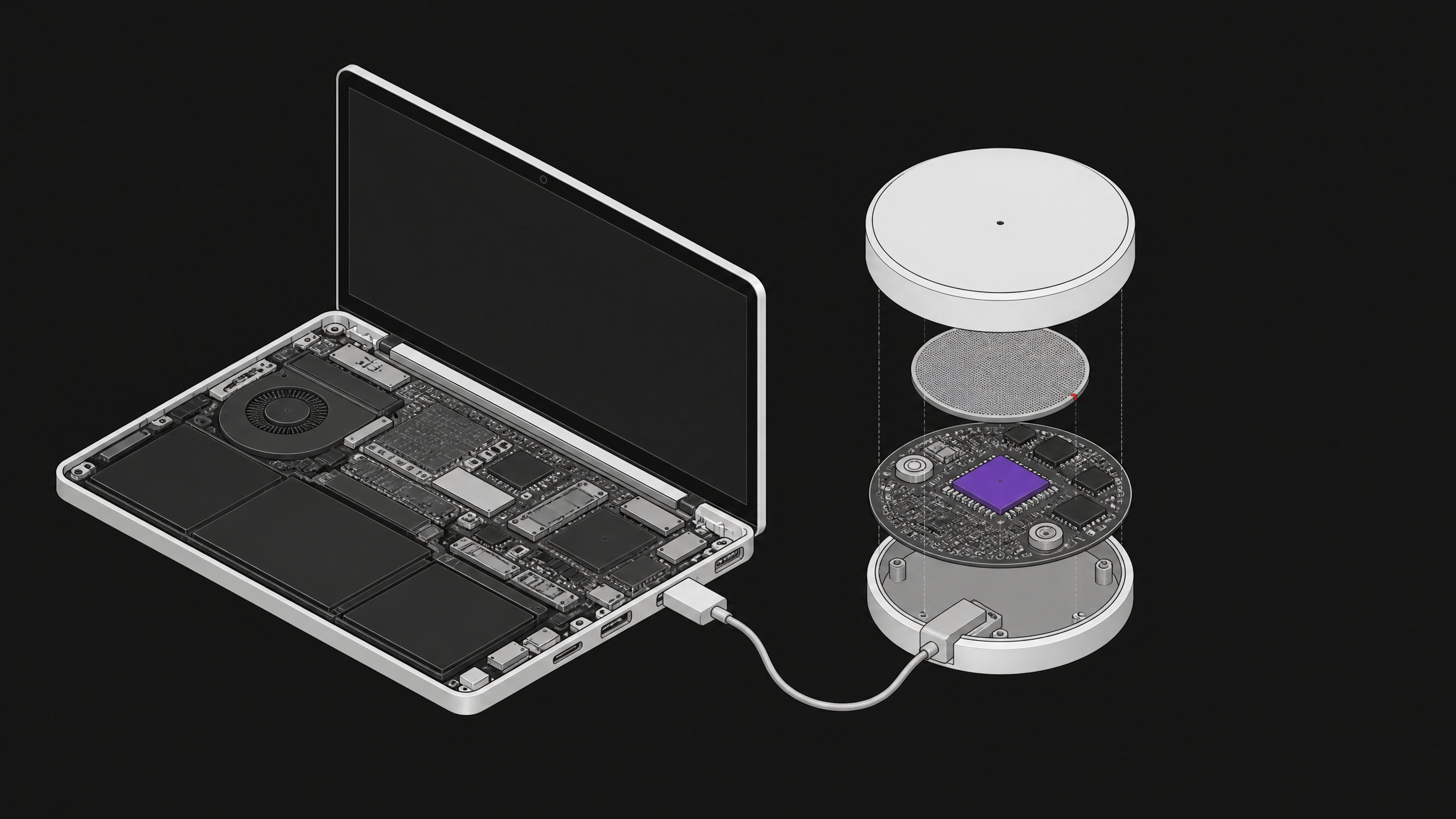
And increasingly it is hardware. Wearable AI pendants that record and transcribe everything around the wearer, like Limitless, Friend, and the Rewind Pendant, are being worn into meetings, sales calls, and one-on-ones.6 Microsoft has reportedly been testing its own wearable AI badge and desk device with employees, which tells you the category is being taken seriously even as a piece of it is clearly still workplace-inappropriate for most companies.7 None of these devices ask an IT department for permission before they start listening.
Running models locally does not mean running them safely
The other half of this story is more technical, and more interesting to anyone who has actually installed Ollama on a work laptop. Local LLMs are genuinely private by default: prompts and outputs never leave the machine, and there is no vendor server logging your queries.8 That is the pitch, and for a single-user setup bound to localhost, it mostly holds.
The catch is that "local" describes where the model runs, not whether the surrounding infrastructure is secure. In May 2026, security researchers at Cyera disclosed a critical vulnerability nicknamed Bleeding Llama, tracked as CVE-2026-7482, an unauthenticated heap out-of-bounds read in Ollama's GGUF model loader that let attackers pull prompts, system instructions, API keys, and other users' data straight out of server memory with three unauthenticated API calls.9 Cyera estimated more than 300,000 Ollama servers were reachable from the internet at the time.10 Ollama has no authentication by default, so the moment someone sets OLLAMA_HOST to 0.0.0.0 to share a model across a team, or forgets a firewall rule, that private local instance becomes an open door on the network.11
Employees running uncensored fine-tunes make this worse, not better. Since 2023, models stripped of their safety alignment, sold under names like Llama 2 Uncensored and Wizard Vicuna, have been one command away from anyone running Ollama.12 These are popular precisely because they skip the guardrails a corporate-sanctioned tool would have, which is also exactly why they should never touch production data without review.
Why banning it does not work
The instinct to block everything fails for a simple reason: people do not stop, they stop telling you. When organizations do provide a sanctioned AI tool, unauthorized use drops by 89%, which is the strongest evidence that supply-side governance beats detection-and-block as a strategy.1 Software AG's research found that half of employees would keep using shadow AI even if it were banned outright.
This is where the governance conversation starts to overlap with a bigger one about who owns the tools running on company infrastructure in the first place. A team that builds and owns its internal AI tooling, rather than quietly renting capability through fifteen different personal accounts and wearables, at least knows what data is flowing where. That is a version of the same argument behind treating software as something you own and operate on your own terms, which is the case Remy makes for internal tools generally: sanctioned, visible infrastructure beats an invisible sprawl of individually adopted apps every time.
What this actually costs
Gartner predicts that by 2030, more than 40% of enterprises will experience a security or compliance incident tied to unauthorized shadow AI. The financial exposure is not abstract. Unauthorized AI tools stay active a median of 403 days before anyone notices them.2 Sixty-nine percent of organizations already suspect or have evidence of employees using prohibited public generative AI tools.
What IT teams can actually do about it
- Scan for local model installations on endpoints. Ollama, LM Studio, and llama.cpp all leave discoverable footprints; treat them like any other unmanaged software.
- Provide a real sanctioned alternative. The 89% drop in unauthorized use when a good tool is offered is the single best data point in this whole space.1
- Lock down any local inference server that leaves localhost. If OLLAMA_HOST is ever set to 0.0.0.0, it needs a reverse proxy, authentication, and a firewall rule restricting source IPs, full stop.13
- Write down where wearables and browser AI extensions fit in policy. Most AI governance documents were written before pendant-style recorders existed. Employees are already wearing them into rooms with confidential conversations.
- Patch fast. Bleeding Llama exists because thousands of Ollama installs ran outdated builds for months after a fix shipped.9
For prompt privacy, yes, since local inference never sends data to a third-party server. But the inference server itself can be a vulnerable, unauthenticated service if exposed to a network, as the Bleeding Llama vulnerability in Ollama demonstrated.
Unapproved local models, AI browser extensions, AI features baked into already-approved SaaS tools, AI coding assistants on personal accounts, and wearable AI devices that record conversations.
IBM found breaches involving high levels of shadow AI cost an average of $4.63 million, about $670,000 more than breaches without it, and take about 10 days longer to identify and contain.
Not on its own. Half of employees say they would keep using banned AI tools anyway. Providing an approved alternative is far more effective, cutting unauthorized use by 89% in organizations that tried it.
Left at its default localhost binding and kept up to date, a single-user setup is reasonably safe. The risk appears when it is exposed to a network without authentication, which is a configuration mistake, not an inherent flaw in local inference.
- 1Shadow AI Apps: The Enterprise Attack Surface That Outpaces GovernanceUnseen Security
- 2IBM Report: 13% Of Organizations Reported Breaches Of AI Models Or Applications, 97% Of Which Reported Lacking Proper AI Access ControlsIBM Newsroom
- 3Study Finds 50% of Workers Use Unapproved AI ToolsHelp Net Security
- 4Shadow AI in 76% of Organizations: Governance GuideNetwrix
- 5Shadow AI explained: risks, costs, and enterprise governancePalo Alto Networks
- 6Wear This AI Friend Around Your NeckWIRED
- 7Microsoft testing wearable AI gadget aimed at office workersBBC
- 8The State of Shadow AIUpGuard
- 9Critical Unauthenticated Memory Leak in Ollama (Bleeding Llama, CVE-2026-7482)Cyera
- 10Critical Bug Could Expose 300,000 Ollama Deployments to Information TheftSecurityWeek
- 11Bleeding Llama: 300K Servers at Risk and How to RespondAkto
- 12Run Llama 2 uncensored locallyOllama Blog
- 13Ollama Heap Out-of-bounds Read Vulnerability Leads to Remote Process Memory Leak (CVE-2026-7482)Qualys Threat Protection